
Sky islands · PvP
SkyWars
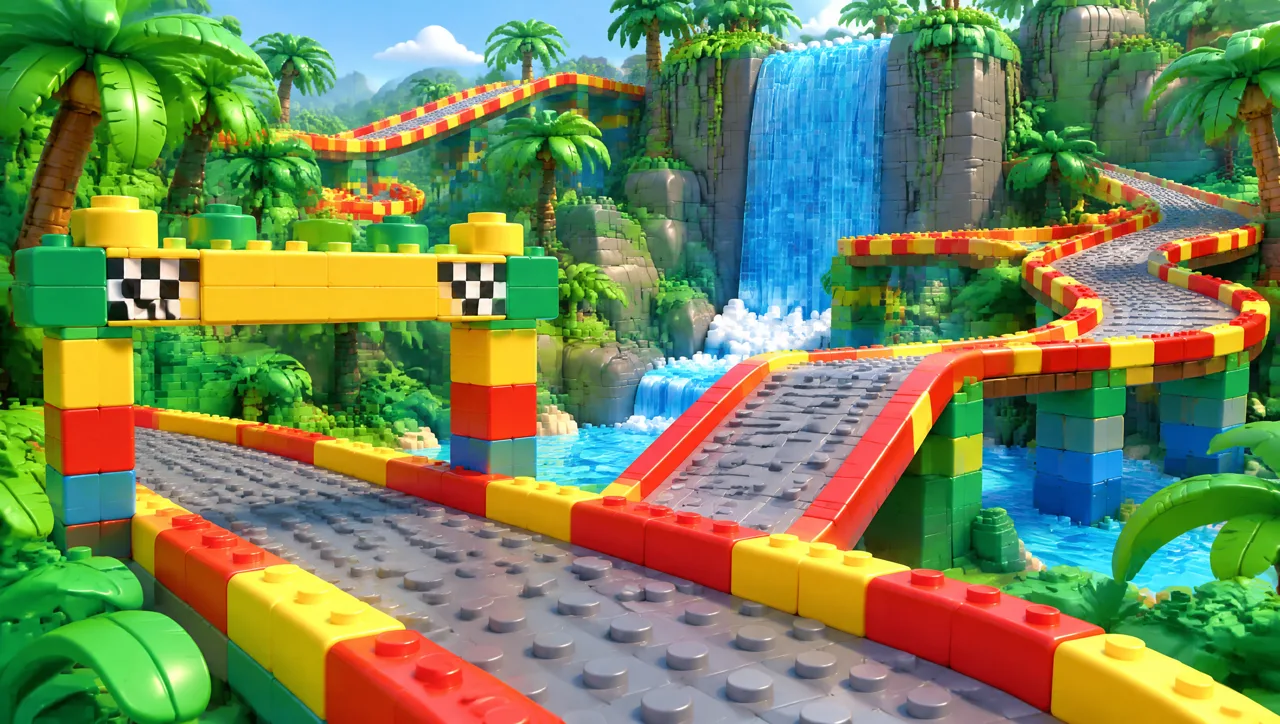
Loot your island, bridge to the centre and outlast your opponents in a battle above the void.
— playing
 Zuppilo
A friendly Minecraft server for young explorers
Original games, a bright brick-built world, nine game modes to explore, and nothing to buy that changes how you play.
 SurvivalBuild your story
 SkyWarsReach new heights
 FactionsTrade & thrive
 MinigamesPlay & compete
 Friendly communityEveryone belongs
 Tower DefenseAdventure awaits
 Custom worldsDiscover more
The gate
Choose from nine game modes and 54 maps. Meet your friends in a game lobby, select a map and follow its objectives. Play competitive matches, defend together or build a faction.
Sky islands · PvP
Loot your island, bridge to the centre and outlast your opponents in a battle above the void.
Teams · Base defence
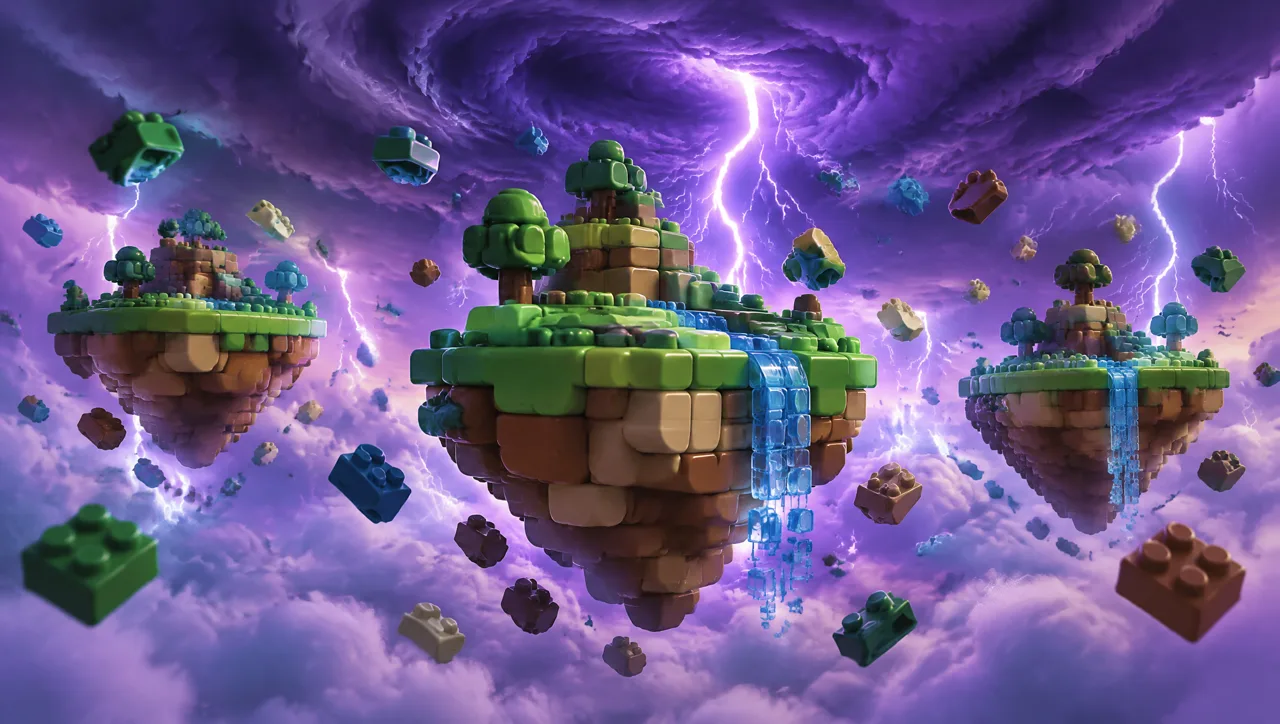
Protect your bed, gather resources and break through rival defences. Your bed keeps your team in the fight.
Co-op · Endless defence

Build and upgrade towers with up to four players. Hold the base against increasingly aggressive endless waves.
Market square
A rank that feels like you. Lasting cosmetics, across every adventure in Zuppilo. One-time purchases, nothing that changes gameplay.
Ranks are cosmetic, one-time purchases. They never change how the game plays.
The village
The lighthouse
Parents can link their account to their child's to choose chat, spending and friend settings. Ranks are cosmetic. An unavailable status means the website cannot currently confirm network health.
Above the clouds
Copy the address, open Minecraft Java Edition and log in to enter the hub.